01
POSE BRIDGEConnect two poses
Provide a starting image and a target pose reference. Bootyexpo builds the movement between them instead of inventing an unrelated ending.
Bootyexpo is built for adult character-led short video. Animate one image, bridge two poses, or describe a new scene—then direct hips, waist, shoulders, legs, camera movement, clothing consistency, and loop timing in one workspace.
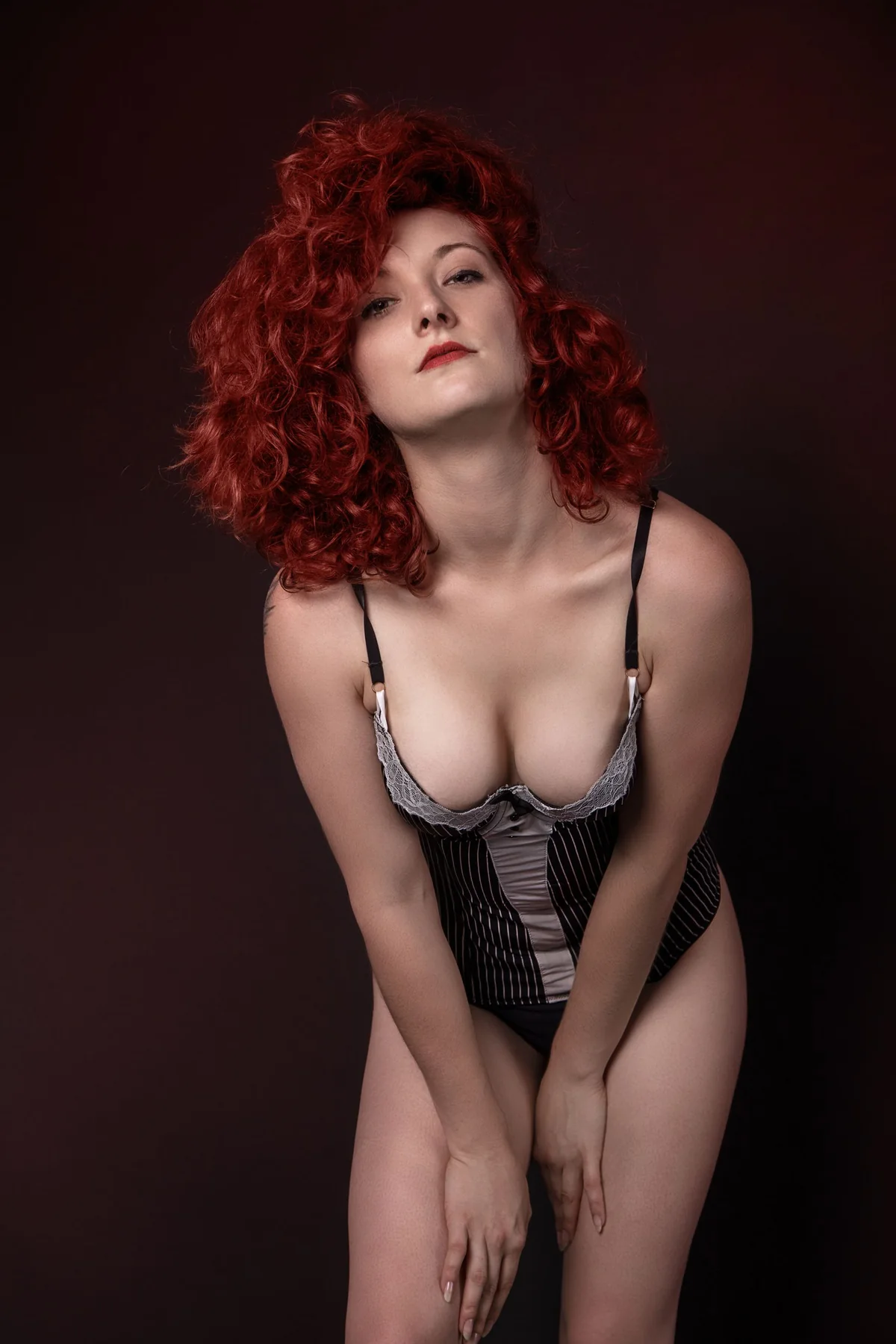 18+ BODY MOTION
Body Motion Studio separates movement into visible zones. Choose what should move, set the strength, and keep the rest of the pose more stable. It gives a sensual short scene a specific physical direction instead of asking the model to improvise the whole body.
Open BootyexpoEach tool solves a specific part of character-led video: transition, clothing, camera, or replay.
Provide a starting image and a target pose reference. Bootyexpo builds the movement between them instead of inventing an unrelated ending.
Balanced and Strong modes prioritize the color, material, and structure of lingerie, stockings, swimwear, heels, and other visible styling.
Use Locked, Push In, Low Follow, Half Orbit, or Vertical Scan without burying camera direction inside a long prompt.
Loop Maker adjusts the beginning and ending motion so a short clip can replay with a less noticeable jump.
Bootyexpo changes the workspace according to the job instead of forcing every idea into the same form.
 Bootyexpo · Body Motion Studio
Every generation follows five clear decisions: mode, body direction, outfit consistency, camera timing, and final review.
Use Image Animate, Pose Transition, or Text Scene according to whether you have one image, two pose references, or only an idea.
Select hips, waist, shoulders, legs, or full body, then choose Soft, Natural, or Bold movement.
Turn on Balanced or Strong Outfit Lock when clothing continuity matters.
Choose one Camera Rail path, a Slow, Regular, or Fast pace, and a 5, 8, or 12 second duration.
Preview the result, retry if needed, enable Loop Maker when useful, and download the MP4.
Each recipe combines an exact input, body-motion settings, outfit controls, camera direction, and expected output.
 01
01 02
02 03
03New accounts receive 20 trial credits. Free output carries a small Bootyexpo watermark; paid plans unlock watermark-free 1080p output.
20 signup credits
200 credits/month
500 credits/month
1,200 credits/month
Subscription credits refresh monthly and do not roll over. A confirmed platform failure returns the credits automatically.
Bootyexpo exposes the practical details before generation instead of sending you elsewhere to find them.
Every completed job is delivered as an MP4 from the project history.
Duration is chosen before generation and determines the credit cost.
Free credits are limited to 720p; paid plans can select 1080p.
Free projects remain for 7 days; paid projects remain for 30 days.
Accounts, free credits, controls, output, and failed jobs.
Bootyexpo is an Adults 18+ AI short-video generator built around controllable body movement, pose transitions, clothing consistency, camera paths, and looping.
Yes. A new account receives 20 credits, enough for two 5-second 720p generations. Free output includes a small watermark.
Public product information can be viewed without an account. Generation, project history, saving, and downloads require sign-in.
You can target hips, waist, shoulders, legs, or the full body and choose Soft, Natural, or Bold movement.
It prioritizes visible clothing color, material, and structure. Balanced and Strong modes are available, but frame-perfect consistency is not guaranteed.
A 5, 8, or 12 second MP4 in 720p or 1080p. Free output carries a watermark; paid output does not.
A confirmed technical failure that produces no usable output returns the credits automatically.
Image Animate and Pose Transition accept JPG, PNG, or WebP files up to 15 MB.
Open Bootyexpo, start with an image, two poses, or a written scene, and set the exact motion before you render.
Open Bootyexpo